Streaming Anonymously: Virtual Camera Tricks to Protect Your Identity
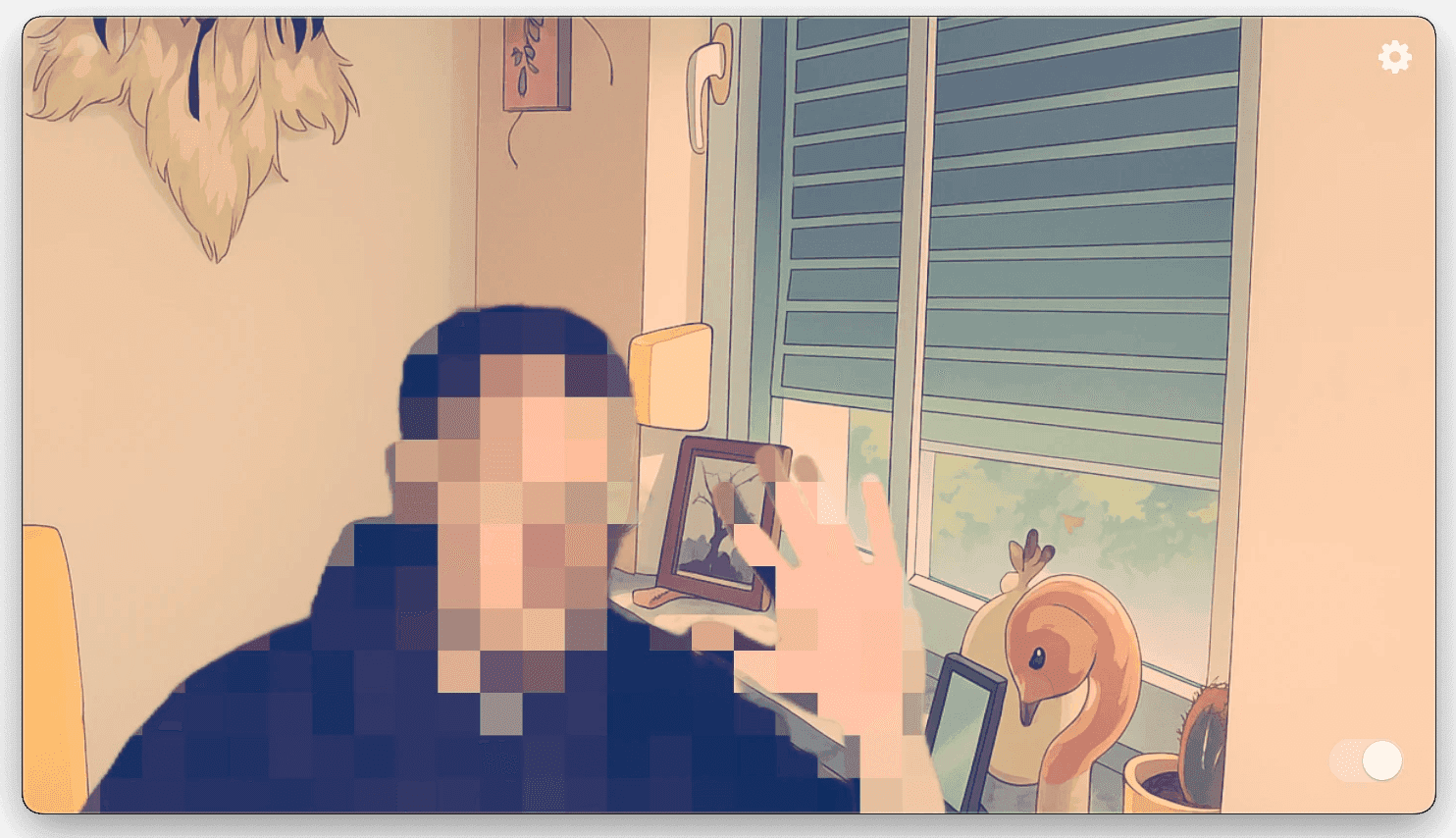
In the fast-growing world of live streaming, protecting your identity is becoming increasingly important. Whether you're streaming gaming sessions, sharing creative tutorials, or simply engaging with your community, there might be times when staying incognito or maintaining your privacy is essential.
Fortunately, with the right tools like Xamera Camera, anonymous streaming is easier and more effective than ever. Here are a few practical virtual camera tricks to help keep your identity hidden without compromising viewer engagement.
1. Blur or Pixelate Your Face on Camera Stream
One of the simplest ways to protect your identity is using Xamera's advanced facial filters. Xamera offers real-time face-blurring or pixelation effects, allowing you to stream comfortably without revealing personal details. Adjust the intensity to suit your preference, ensuring you're protected but still approachable to your audience.
2. Background Obfuscation
Your environment can inadvertently give away your location or personal details. Xamera allows you to effortlessly blur, pixelate, or completely replace your background with virtual sets or images. This feature not only enhances privacy but adds a professional and engaging touch to your streams.
3. Dynamic Filters and Effects
Xamera's extensive filter library lets you creatively mask your identity without appearing distant or impersonal. Choose fun animated masks, artistic overlays, or subtle filters that express your personality and brand identity, allowing you to stay anonymous while genuinely connecting with your audience.
4. Auto-Hide Privacy Mode
Unexpected interruptions, such as someone walking into your room, can unintentionally expose private moments. Xamera's auto-hide feature instantly detects movements or additional faces in the frame and temporarily pauses or hides your stream, keeping your privacy intact.
5. Voice Modulation
Pair visual anonymity with voice modulation software. Altering your voice slightly can help ensure complete anonymity, allowing you to comfortably express yourself without fear of recognition.
6. Consistent Virtual Identity
Develop a consistent virtual identity or avatar using Xamera's robust set of filters and effects. This not only protects your identity but also enhances your brand and viewer recognition without risking your personal privacy.
Balance Anonymity and Engagement
Remaining anonymous on streams doesn't mean sacrificing authenticity or viewer engagement. Utilize interactive elements such as real-time chats, polls, or on-screen notifications to foster community interaction and participation. Xamera's seamless integration with streaming software like OBS, Twitch, and Discord makes it easy to maintain this delicate balance.
Stay Safe, Stream Confidently
Anonymity in streaming isn't just about hiding—it's about confidently and safely expressing yourself online. With Xamera Camera, leveraging privacy features doesn't detract from your connection with your audience—it enhances your streaming experience, empowering you to share freely while keeping your personal details safe.
Ready to take your anonymity and engagement to the next level? Explore Xamera Camera today.
If you liked this tutorial, check out Xamera Camera for macOS.