Logitech Webcam on Mac: Which Software to Use and How to Adjust It
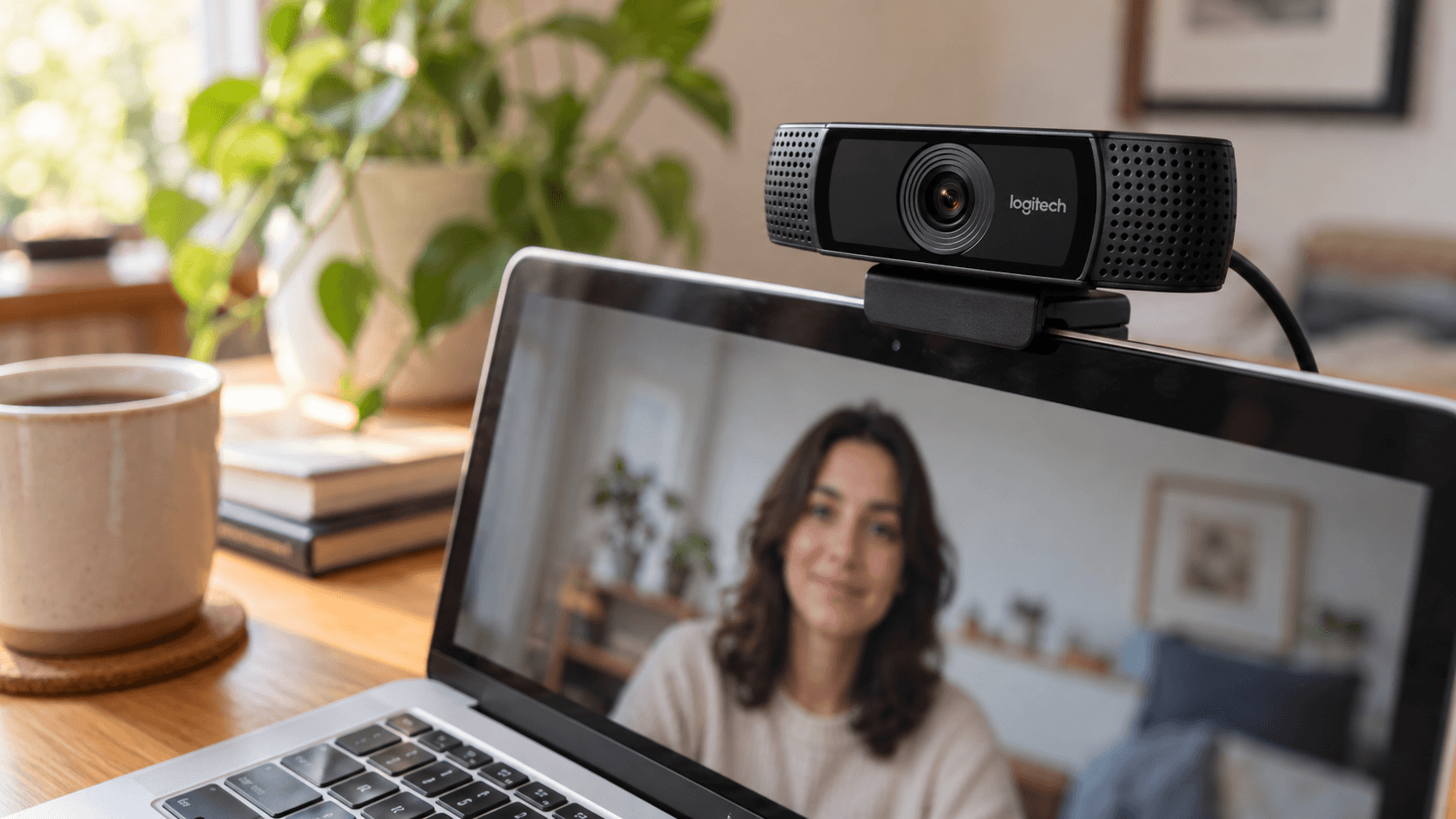
Quick answer: Logitech webcams work on a Mac as soon as you plug them in, with no driver. Choose the webcam in each video app's camera settings. To change brightness, zoom, field of view, or focus, install Logitech's app for your model: Logi Tune (business webcams such as Brio, C920, and MX Brio; macOS 13 or later), Logi Options+ (some other webcams; macOS 14 or later), or G HUB (Logitech G webcams). The old Camera Settings app has reached end of life.
Plug in and choose the webcam
Logitech says its webcams work as soon as you connect them, without extra software (Logitech's webcam setup guide). Connect it to a USB port, using an adapter if your Mac only has USB-C, then pick it in each app:
- FaceTime: click the Video menu in the menu bar and choose the Logitech camera at the top.
- Photo Booth: click Camera in the menu bar.
- Zoom: Settings → Video & effects → Camera.
- Google Meet: the camera picker under your preview, or Settings → Video → Camera.
- Microsoft Teams: the camera list in your device settings.
macOS has no system-wide default camera, so each app keeps its own choice.
Which Logitech app adjusts your webcam
Logitech splits webcam settings across three apps. Logitech's own advice is G HUB for gaming, Logi Tune for business, and Logi Options+ for everything else:
- Logi Tune is free for macOS 13 or later. Logitech names the Brio, C920, and MX Brio among its supported webcams, with brightness, contrast, zoom, and field of view adjustments, plus framing and focus options on supported models (Logi Tune). It replaced the old Camera Settings app (Logitech's end-of-life FAQ).
- Logi Options+ manages many Logitech devices, including some webcams. It needs macOS 14 or later (Logi Options+).
- G HUB is for Logitech G gear, including its webcams.
- Logitech Capture is still listed for older streaming webcams such as the C920, C922, StreamCam, and Brio, but its page only lists macOS versions up to Big Sur on Intel Macs (Logitech Capture). It may not run on a newer Mac.
Check Logitech's device list for your exact model before you install.
What macOS adds to a Logitech webcam
Apple's Video menu in the menu bar works with external cameras too, with limits (Apple's video effects guide):
- Edge Light works with an external camera on macOS Tahoe 26.2 or later on a Mac with Apple silicon.
- Reactions and Background need a Mac with Apple silicon.
- Portrait and Studio Light need a Mac laptop's built-in camera or Continuity Camera, so they don't appear for a Logitech webcam.
Mac camera settings explains each effect.
If your model isn't supported, or you want more
Older Logitech webcams aren't always supported by Logitech's current apps, and none of the apps add beauty filters. On a Mac with Apple silicon, Xamera works with any webcam your Mac sees, including Logitech models. It adds brightness, exposure, contrast, and color controls, full-frame looks, background blur, and Face Studio beauty filters with separate controls for skin, teeth, face shape, eyes, nose, and lips. Choose your Logitech webcam in Xamera, then choose Xamera as the camera in your video app.

If the Mac doesn't detect your Logitech webcam
- Try another USB port or cable, and connect the webcam directly to the Mac instead of through a hub.
- Quit other apps that might be using the camera, including Logitech's own app.
- Allow your video app in System Settings → Privacy & Security → Camera.
- Restart the Mac with the webcam connected.
Mac camera not working has the full checklist.
Frequently asked questions
Do Logitech webcams work with a Mac?
Yes. Logitech webcams work on a Mac as soon as you plug them in. You only need Logitech's software to change settings such as brightness, zoom, or field of view.
Which Logitech software should I use on a Mac?
Logi Tune for business webcams such as Brio, C920, and MX Brio, Logi Options+ for some other models, and G HUB for Logitech G webcams. Check Logitech's device list for your model.
Is Logitech Camera Settings available for Mac?
It has reached end of life. Logitech replaced it with Logi Tune.
How do I adjust the brightness of my Logitech webcam on a Mac?
Use Logi Tune or Logi Options+ if they support your model. If not, a camera app with image controls such as Xamera can adjust brightness and exposure.
Can I use Center Stage with a Logitech webcam?
No. Center Stage only works with Apple's supported cameras, such as recent MacBook and iMac cameras, the Studio Display, and an iPhone through Continuity Camera.
If you liked this tutorial, check out Xamera Camera for macOS.