Xamera: Beauty Filters and Camera Effects for Mac
Use real-time beauty filters, camera looks, background effects, image controls, and privacy tools in FaceTime, Zoom, Google Meet, Microsoft Teams, and OBS.

New in Xamera 3
Fine-tune how you look with Face Studio
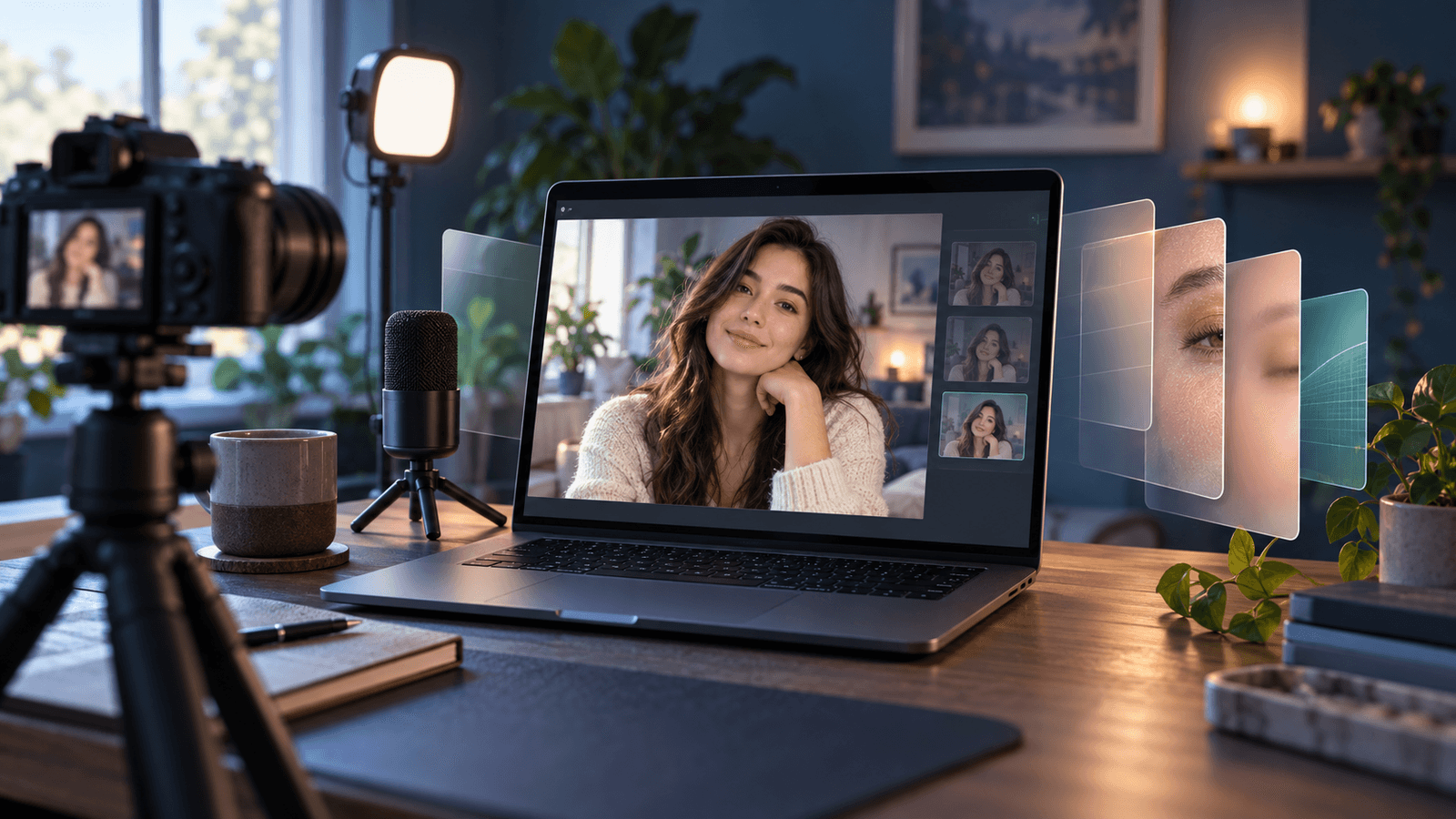
Xamera's beauty filters give you separate, real-time controls instead of one generic touch-up setting. Make subtle adjustments, preview them before a call, and send the finished camera feed to FaceTime, Zoom, Google Meet, Microsoft Teams, or OBS.
Skin smoothing
Teeth whitening
Face shape
Eyes
Nose
Lips
Face Shield
Face Studio uses face tracking. Face Shield helps prevent an unfiltered frame from appearing if Xamera temporarily loses track of your face. Processing remains on your Mac.
Consistent style.
Use the same camera filters and image controls in FaceTime, Google Meet, Microsoft Teams, Zoom, OBS, and other apps that let you choose a camera.
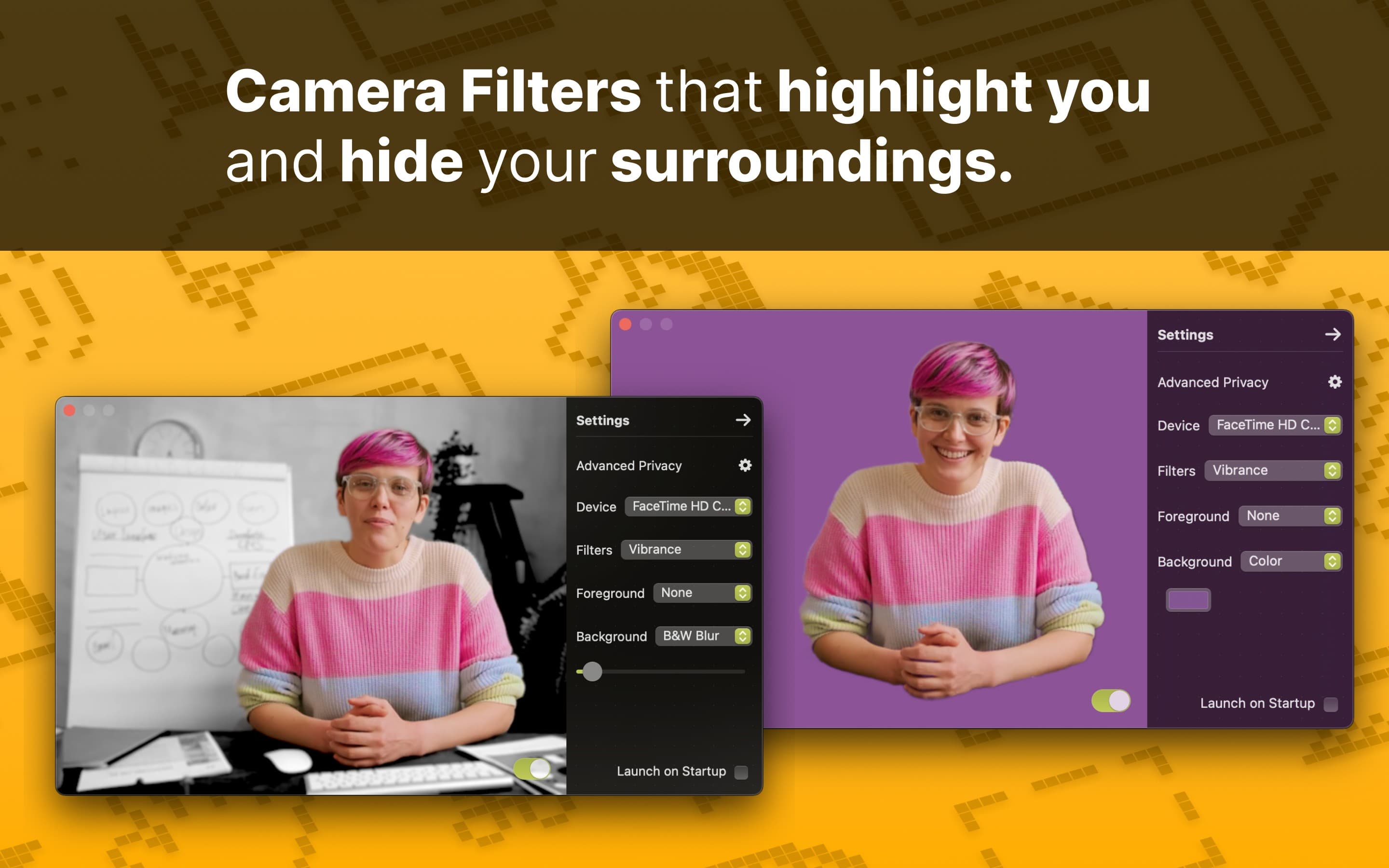
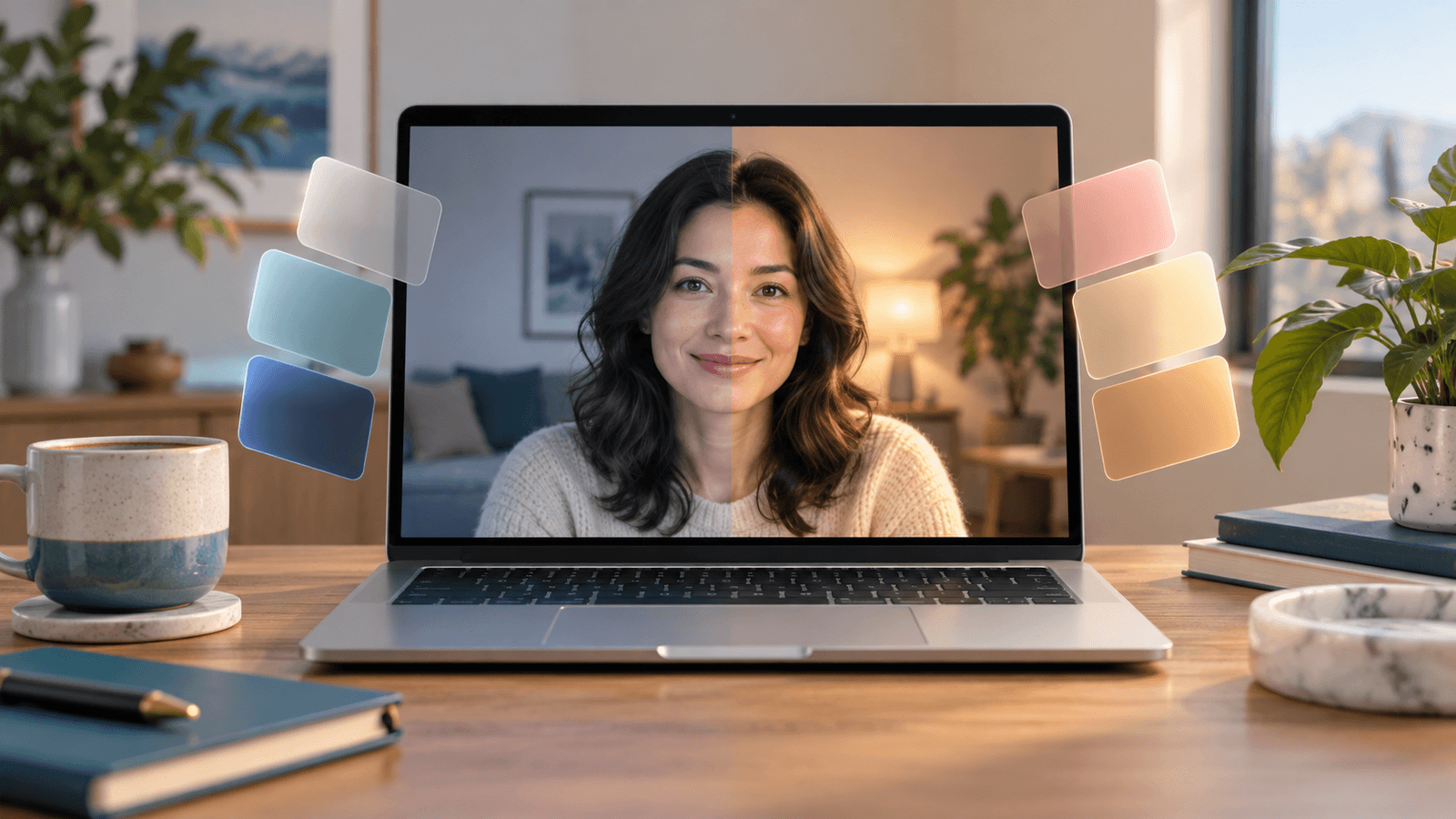
Use Xamera Camera Filters to match your unique style.
Advanced privacy.
Xamera's Advanced Privacy feature can hide your camera output when another person enters the frame. Check the final call preview and keep a manual camera-off control ready; detection cannot guarantee that nobody appears.
Requirements and limitations
- Xamera requires an Apple-silicon Mac and macOS 15.5 or later.
- The destination app must allow you to choose a camera source.
- Current supported apps include FaceTime, Google Meet, Zoom, Microsoft Teams, OBS.
- Filter and segmentation quality can vary with lighting, camera quality, and framing.
- Face Studio relies on face tracking; review the preview before an important call.
Product information reviewed September 24, 2026.
Camera and video help for Mac
Blog
Sep 26, 2026
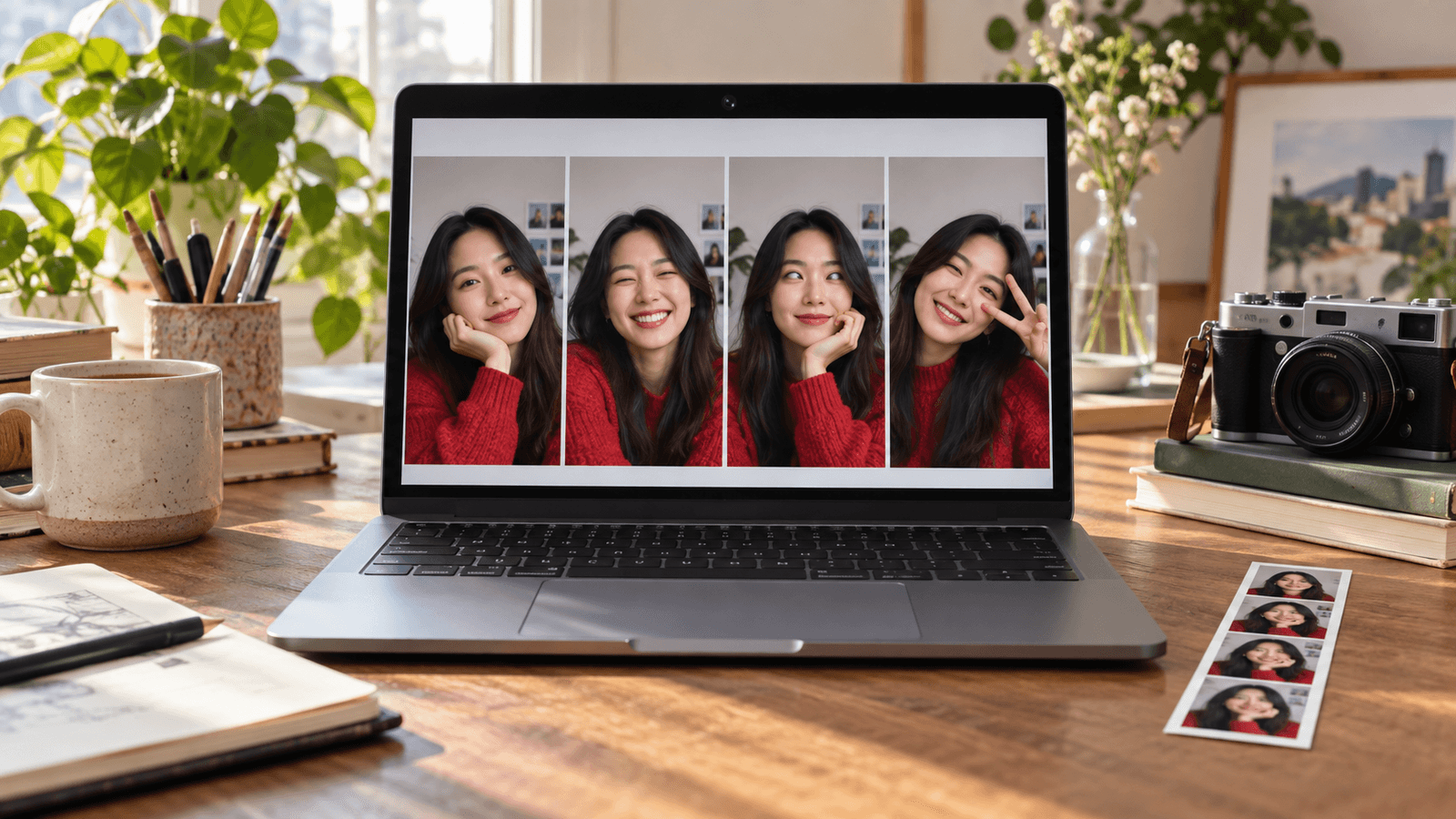
Where Is the Camera App on a Mac? How to Open and Use Your Webcam
Oct 10, 2026
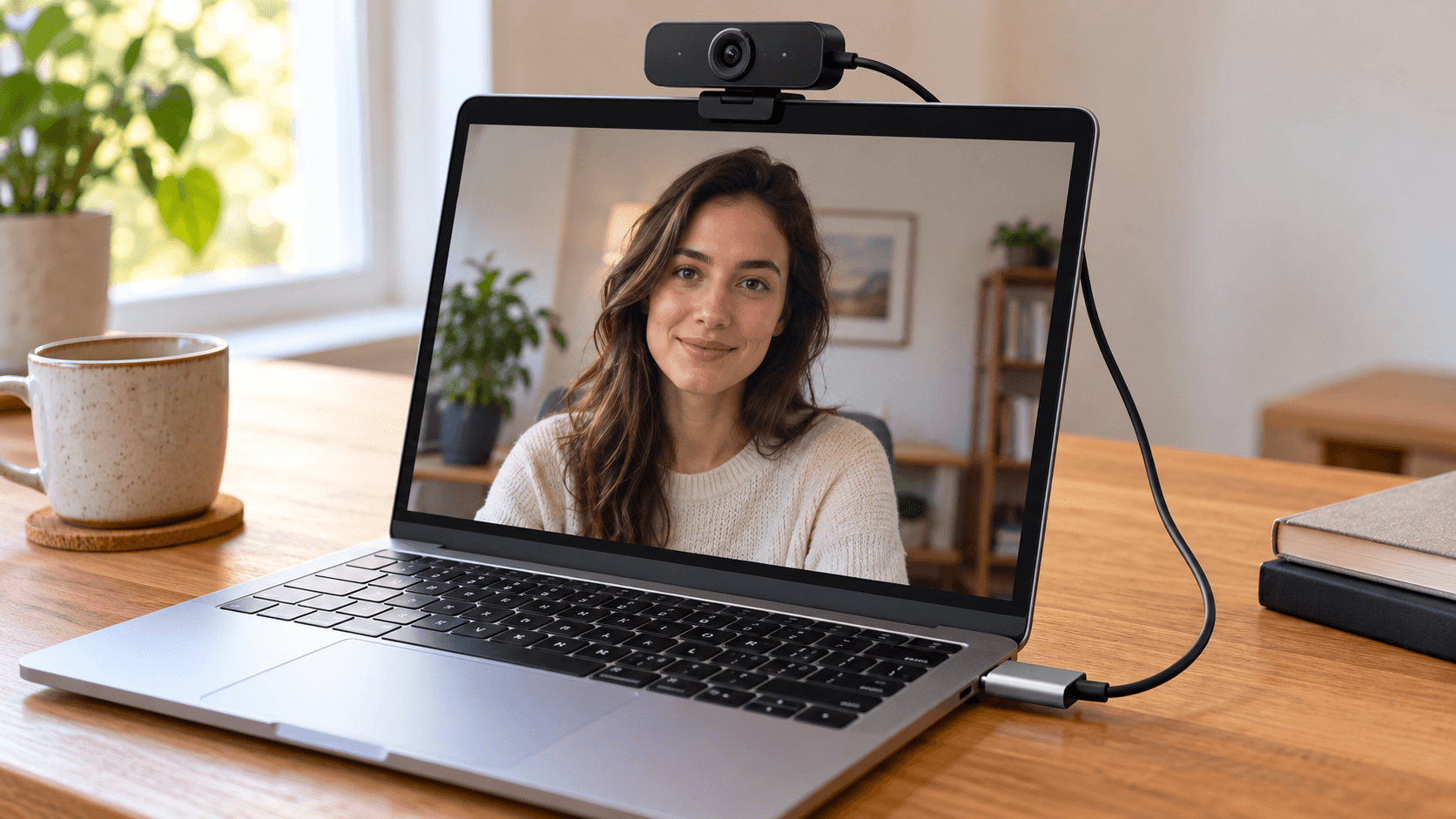
How to Use an External Webcam With a Mac

Oct 2, 2026
How to Blur Your Background in Google Meet

Oct 2, 2026
Google Meet Camera Not Working or Not Found? How to Fix It

Sep 26, 2026
Google Meet Filters on Mac: Effects, Touch-Up, and Beauty Filters
Apr 5, 2025
FaceTime Filters on Mac: How to Add Effects and Beauty Filters
Sep 9, 2023
How to Use Camera Filters in Google Meet on Safari

Sep 17, 2023
Mac Portrait Mode in Google Meet on Safari

Oct 10, 2026
How to Improve Your MacBook Camera Quality

Aug 22, 2023
How to Protect Family Privacy During Video Calls

Sep 26, 2026
How to Look Good on FaceTime on a Mac, Without Extra Lighting
Oct 10, 2026
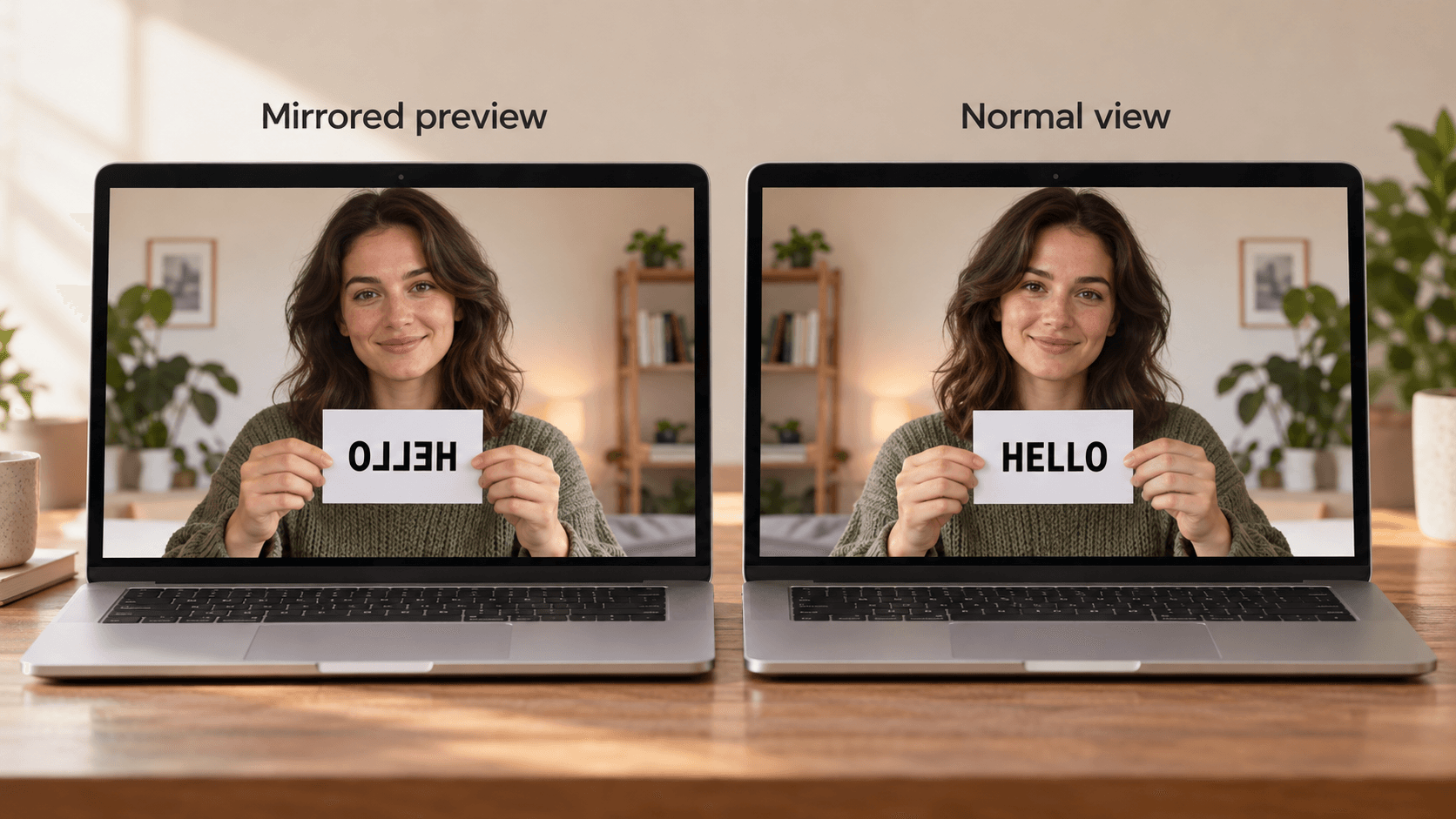
How to Mirror or Flip Your Camera on a Mac

Oct 2, 2026
How to Take a Picture on a Mac With the Camera
May 30, 2025
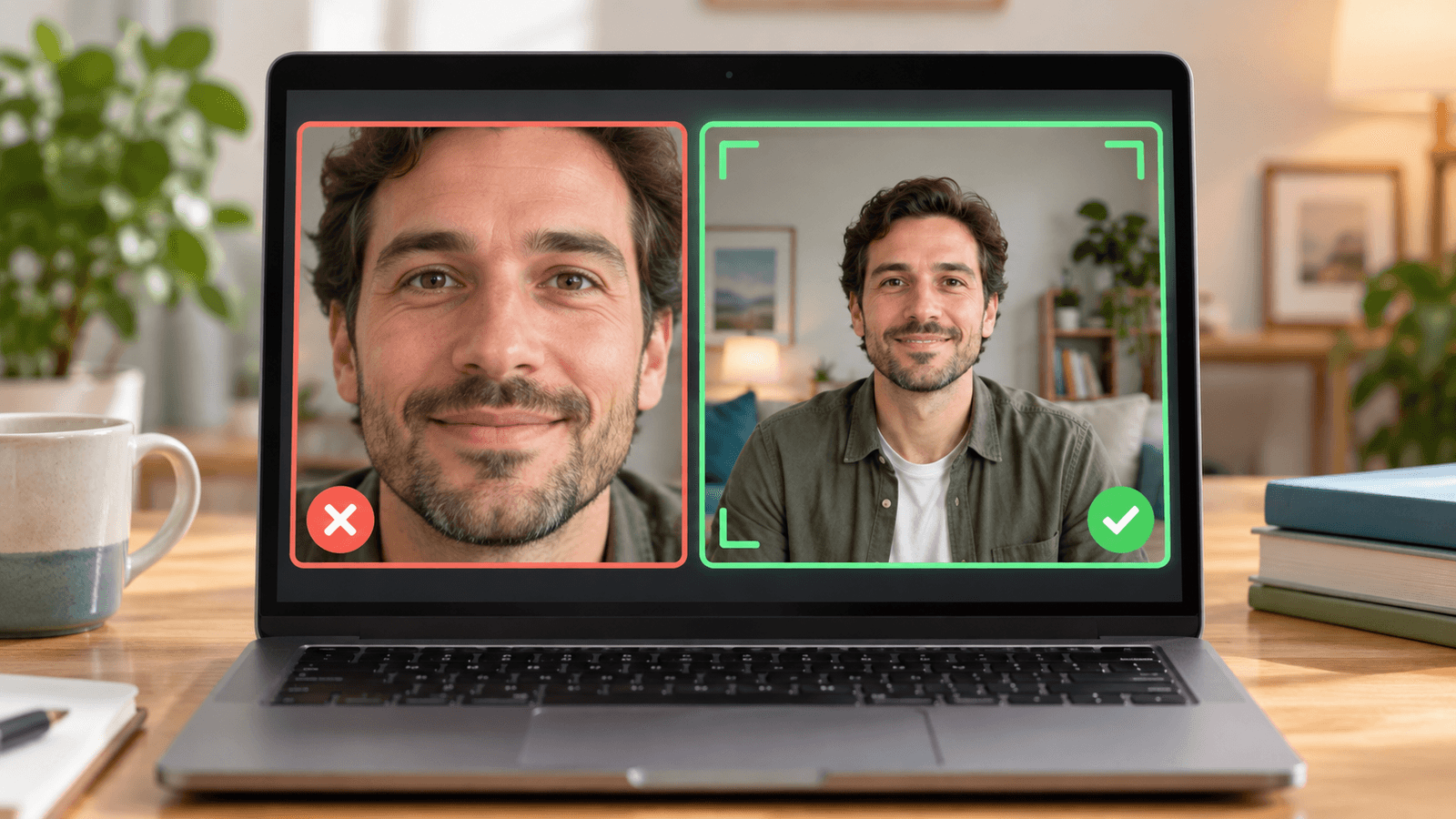
How to Stop Google Meet From Zooming In on Your Face

Oct 2, 2026
How to Turn Off Center Stage on a Mac
Sep 26, 2026
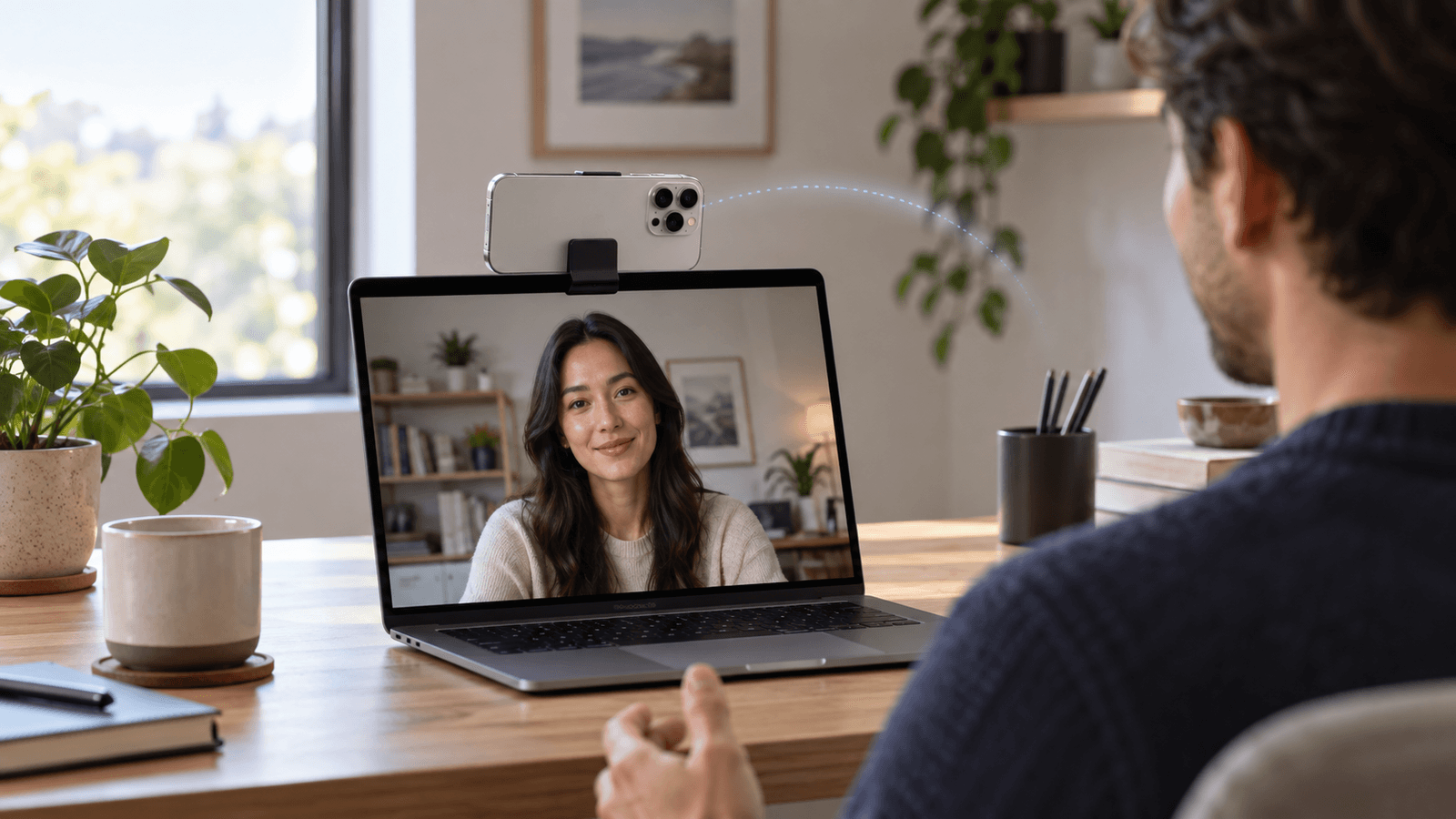
Continuity Camera: How to Use Your iPhone as a Mac Webcam
Oct 10, 2026
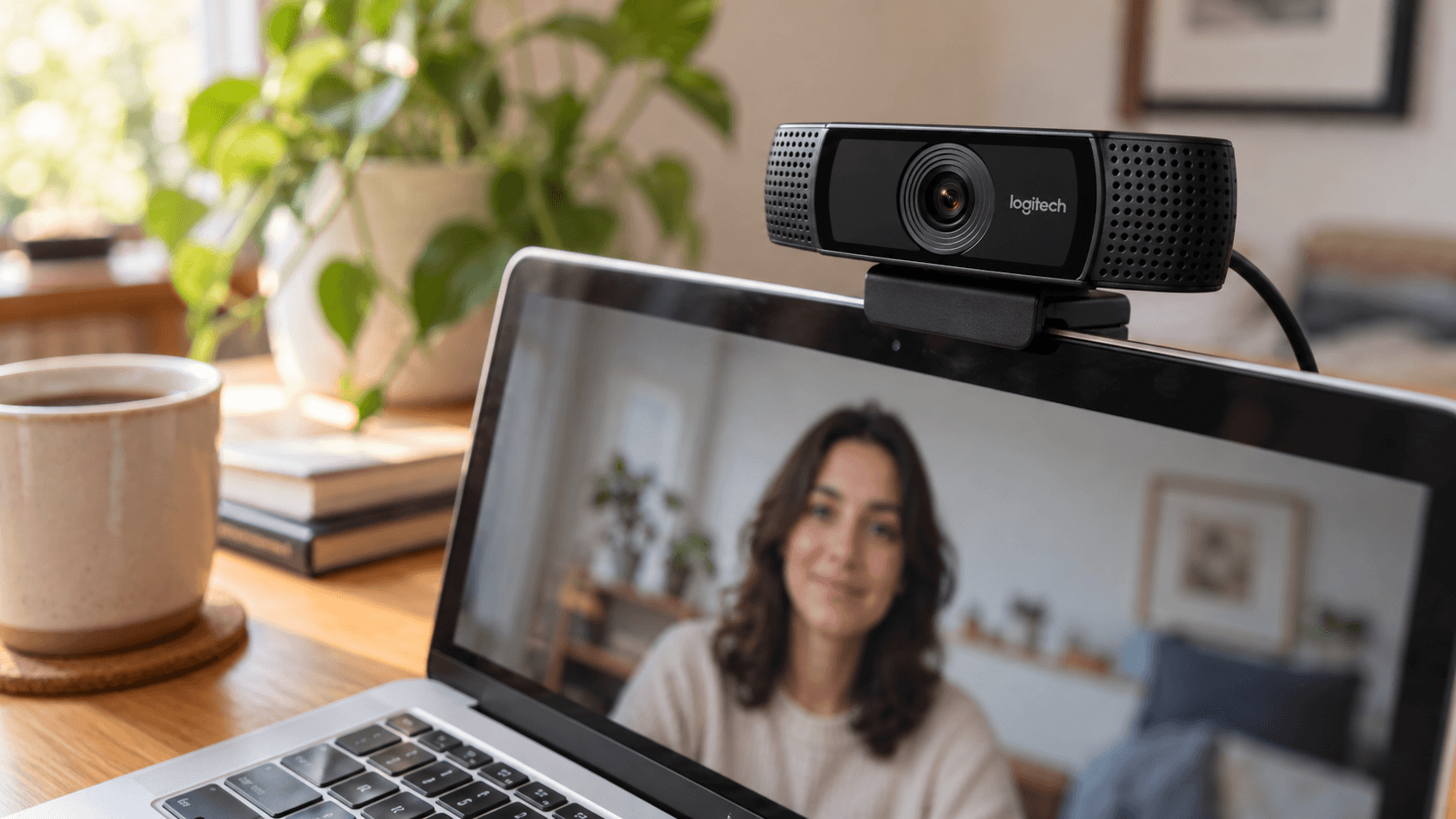
Logitech Webcam on Mac: Which Software to Use and How to Adjust It

Oct 2, 2026
Mac Camera Not Working? How to Fix It

Sep 26, 2026
Mac Camera and Webcam Settings: What You Can Adjust and Where

Sep 26, 2026
Microsoft Teams Filters on Mac: Video Effects, Soft Focus, and Beauty Filters
Sep 26, 2026
OBS Beauty Filter on Mac: How to Smooth Skin in OBS Studio

How to Stream More Privately With a Virtual Camera
Mar 1, 2026
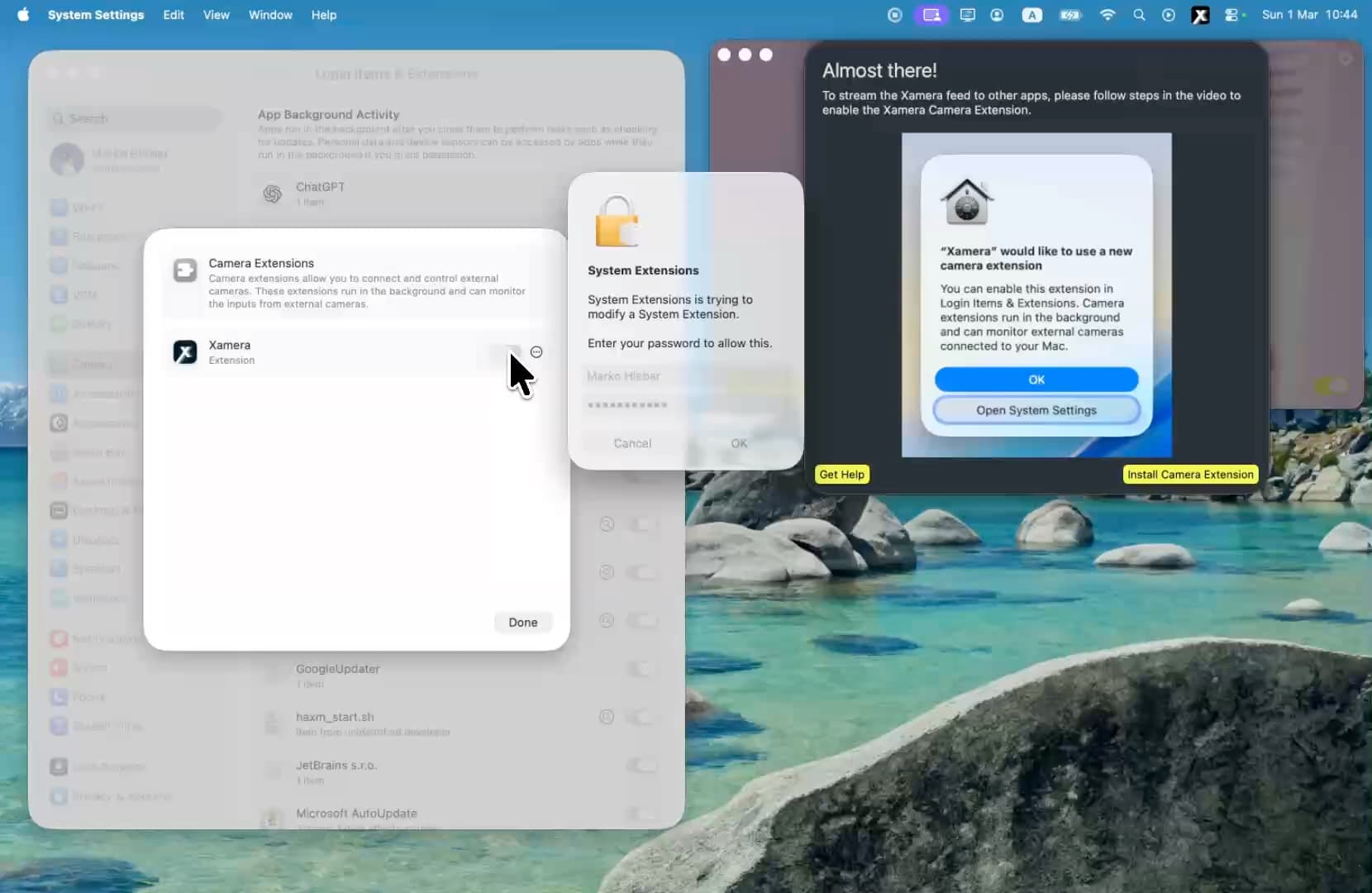
Xamera Installation Guide for macOS
Sep 26, 2026