Zoom Filters on Mac: Video Filters, Touch Up, and Beauty Filters
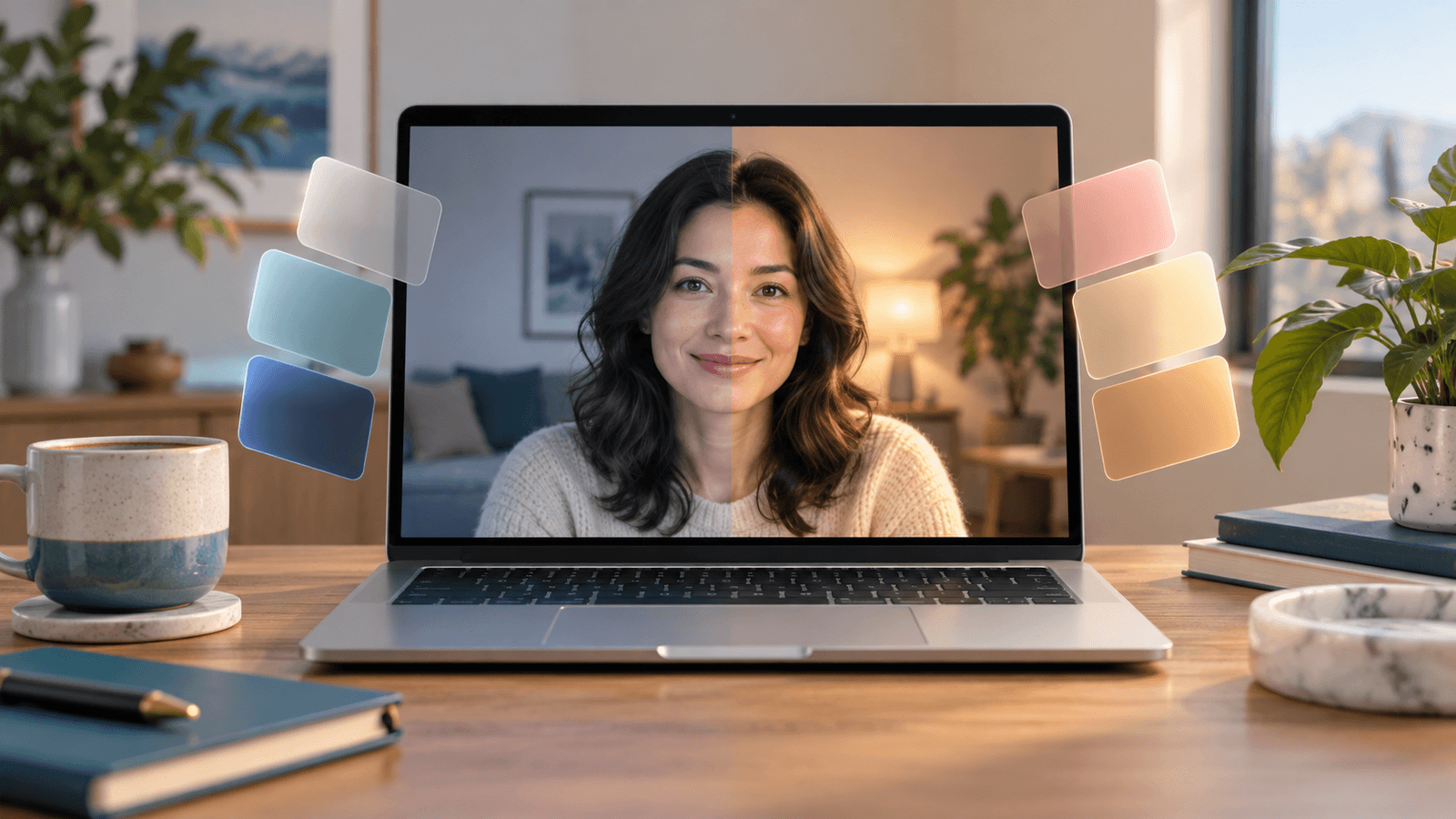
Quick answer: In the Zoom desktop app on your Mac, open Settings → Video & effects. On the Camera tab, turn on Touch up my appearance and Adjust for low light. Then pick a look on the Video filters tab or try the Studio effects tab. During a meeting, click the arrow next to the video button to reach the same options. For separate skin, teeth, and face-shape controls, choose Xamera as your camera.
What Zoom has built in
According to Zoom's guide to enhancing your video, the desktop app offers:
- Touch up my appearance: a slider that softens your appearance and minimizes imperfections.
- Adjust for low light: brightens video in dim rooms, set to Auto or Manual.
- Portrait lighting: extra lighting on your face.
- Video filters: preset looks on their own tab.
- Studio effects: eyebrows, mustache and beard, and lip color.
- Backgrounds: blur or a virtual background.
- HD video and Auto-framing.
On a work account, your administrator controls whether video filters are available, and can add custom filters (Zoom's custom filter guide).
How to use Zoom's filters on a Mac
- Open zoom.us (the Zoom Workplace app) and click your profile picture, then Settings.
- Choose Video & effects.
- On the Camera tab, check your camera, then turn on Touch up my appearance and drag the slider. Turn on Adjust for low light if your room is dim.
- Open the Video filters tab and pick a filter, or open Studio effects for eyebrows, facial hair, and lip color.
- In a meeting, click the arrow next to Stop Video or Start Video to change the camera, background, or filter without leaving the call.
Apple's effects also work in Zoom
Because Apple's video effects work in any app that uses the camera, the macOS Video menu is available while Zoom is on camera. Click Video in the menu bar to use Portrait blur, Studio Light, Edge Light, Center Stage, and backgrounds on supported Macs. Mac camera settings lists what each effect needs.
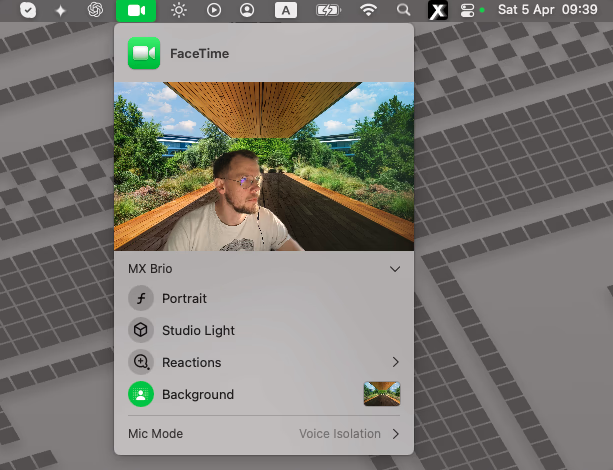
Pick one lighting effect and one background effect. Zoom's Portrait lighting plus Apple's Studio Light, or Zoom's blur plus Apple's Portrait, can make edges and skin look overprocessed.
Add beauty filters and color looks with Xamera
Zoom's touch-up is a single softening slider for the whole face. Xamera Face Studio gives you separate controls for skin smoothing, teeth whitening, face shape, eyes, nose, and lips. Xamera also adds full-frame looks such as Golden Hour, Vintage, and Noir, plus brightness, exposure, and contrast controls.
- Install Xamera on an Apple-silicon Mac running macOS 15.5 or later, and complete its camera-extension setup.
- In Xamera, choose your camera and set up Face Studio or a look.
- In Zoom, open Settings → Video & effects → Camera and choose Xamera from the camera list.
- Turn Zoom's own Touch up my appearance off, or keep it low, so your skin isn't smoothed twice.
- Check the Zoom preview before the meeting.

If Xamera or an effect is missing in Zoom
- Xamera isn't in the camera list: complete Xamera's camera-extension setup, then quit and reopen Zoom.
- Zoom shows a black preview: open System Settings → Privacy & Security → Camera and allow zoom.us to use the camera.
- A Zoom option is missing: update Zoom. On work accounts, ask your administrator whether video filters and touch-up are allowed.
- Apple's effects are missing: each one depends on your Mac, camera, and macOS version.
Frequently asked questions
Does Zoom have beauty filters?
Partly. Touch up my appearance softens your appearance with one slider, and Studio effects add eyebrows, facial hair, and lip color. Zoom has no separate controls for teeth, face shape, eyes, or nose. For those, use a camera app such as Xamera and choose it in Zoom.
Where are video filters in Zoom on a Mac?
Open Settings → Video & effects and select the Video filters tab. During a meeting, click the arrow next to the video button.
Why can't I see video filters in Zoom?
Update the Zoom app first. If you use a work or school account, your administrator may have turned video filters off.
Can I use Snapchat filters in Zoom on a Mac?
Not in the Zoom desktop app. Snap Camera shut down on January 25, 2023, and Snapchat Camera for Chrome only adds Lenses to websites in Chrome. See what happened to Snap Camera for the options that still work.
Can I use the same filters in FaceTime and Google Meet?
Yes. Xamera works as a camera in any Mac app that lets you choose one. See FaceTime filters on Mac and Google Meet filters on Mac.
If you liked this tutorial, check out Xamera Camera for macOS.